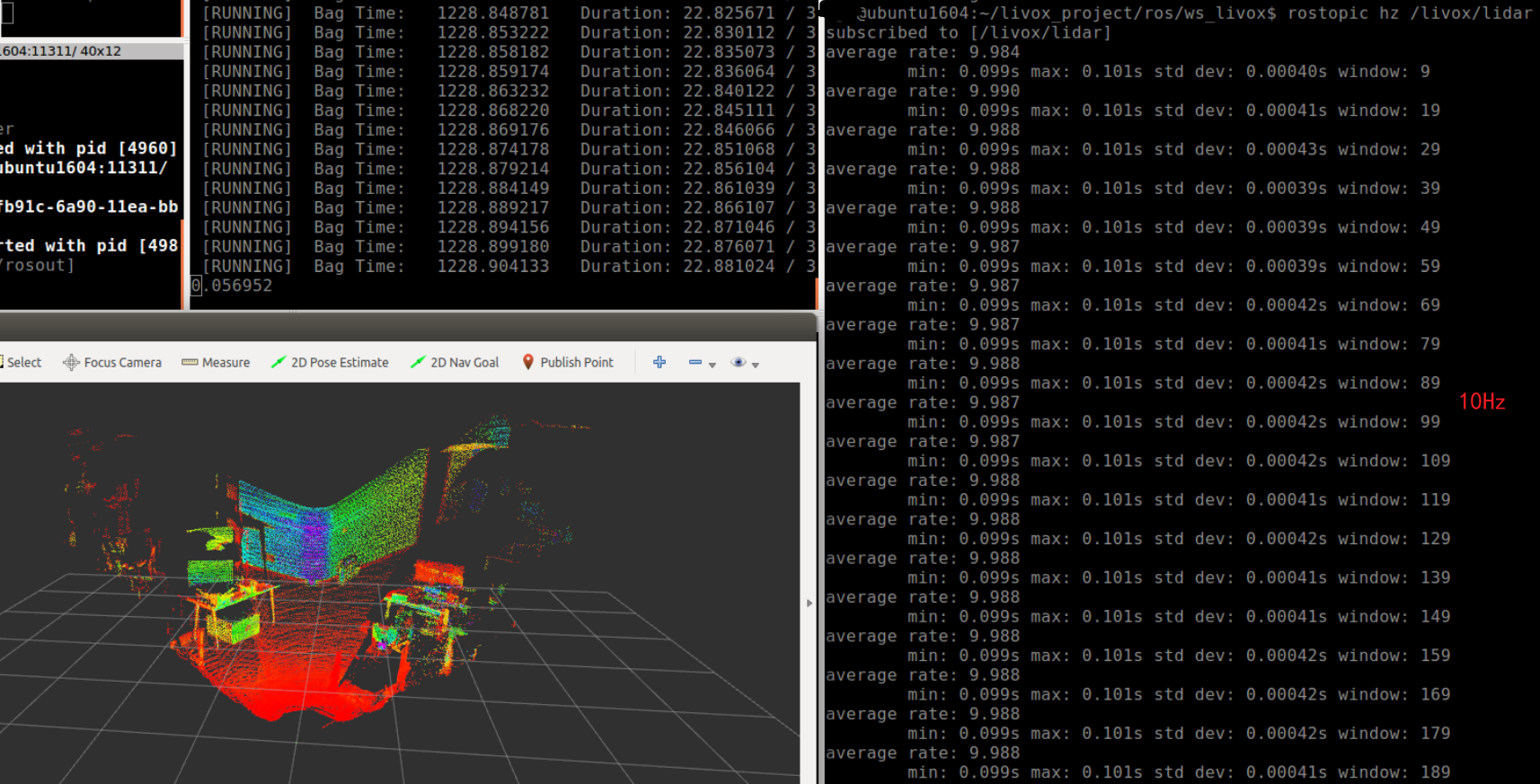
How to use lvx file in ros(在ROS驱动程序下使用lvx文件的方法)
lvx is a point cloud storage format customized by livox; if you want to use lvx file in ros, you need to convert it to rosbag file.
1. Save lvx data file
1.1 Use livox viewer to store lvx files
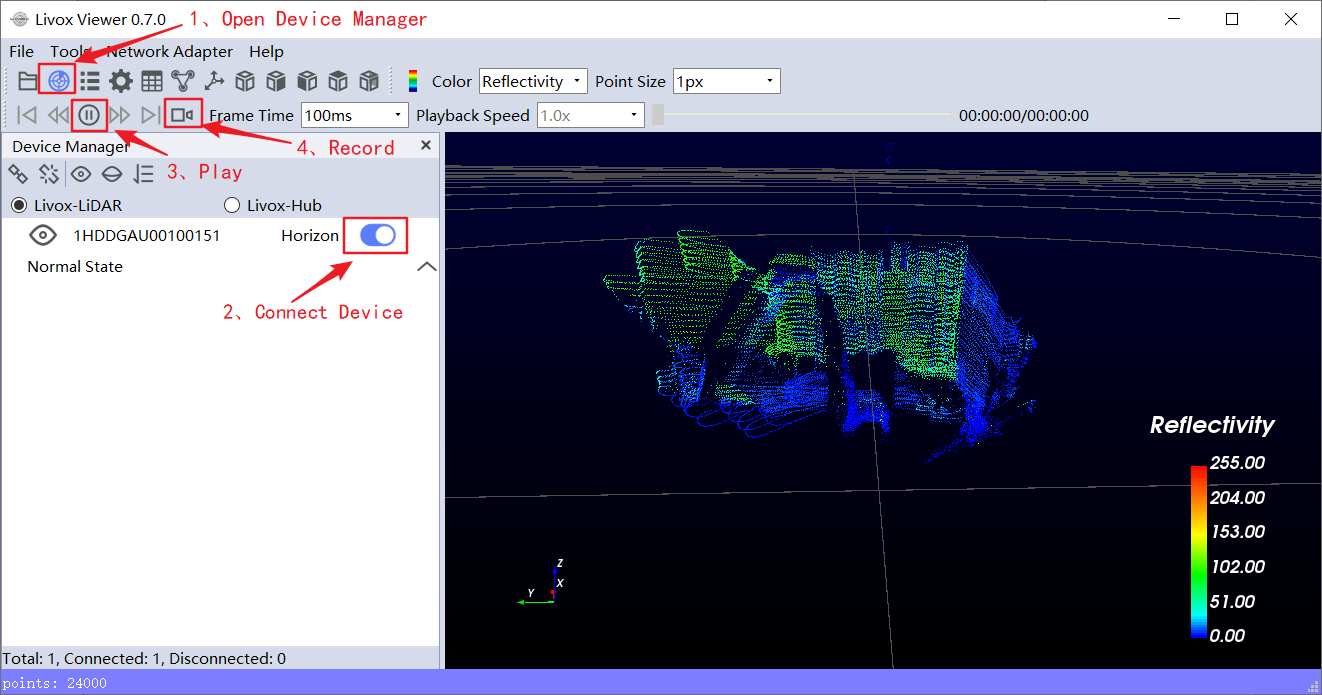
The operation steps are as follows :
- Open device manager;
- Connect device;
- Play point cloud;
- Record and save lvx data file;
1.2 Use Livox-SDK to store lvx files
1.2.1 Git clone Livox-SDK
git clone https://github.com/Livox-SDK/Livox-SDK.git
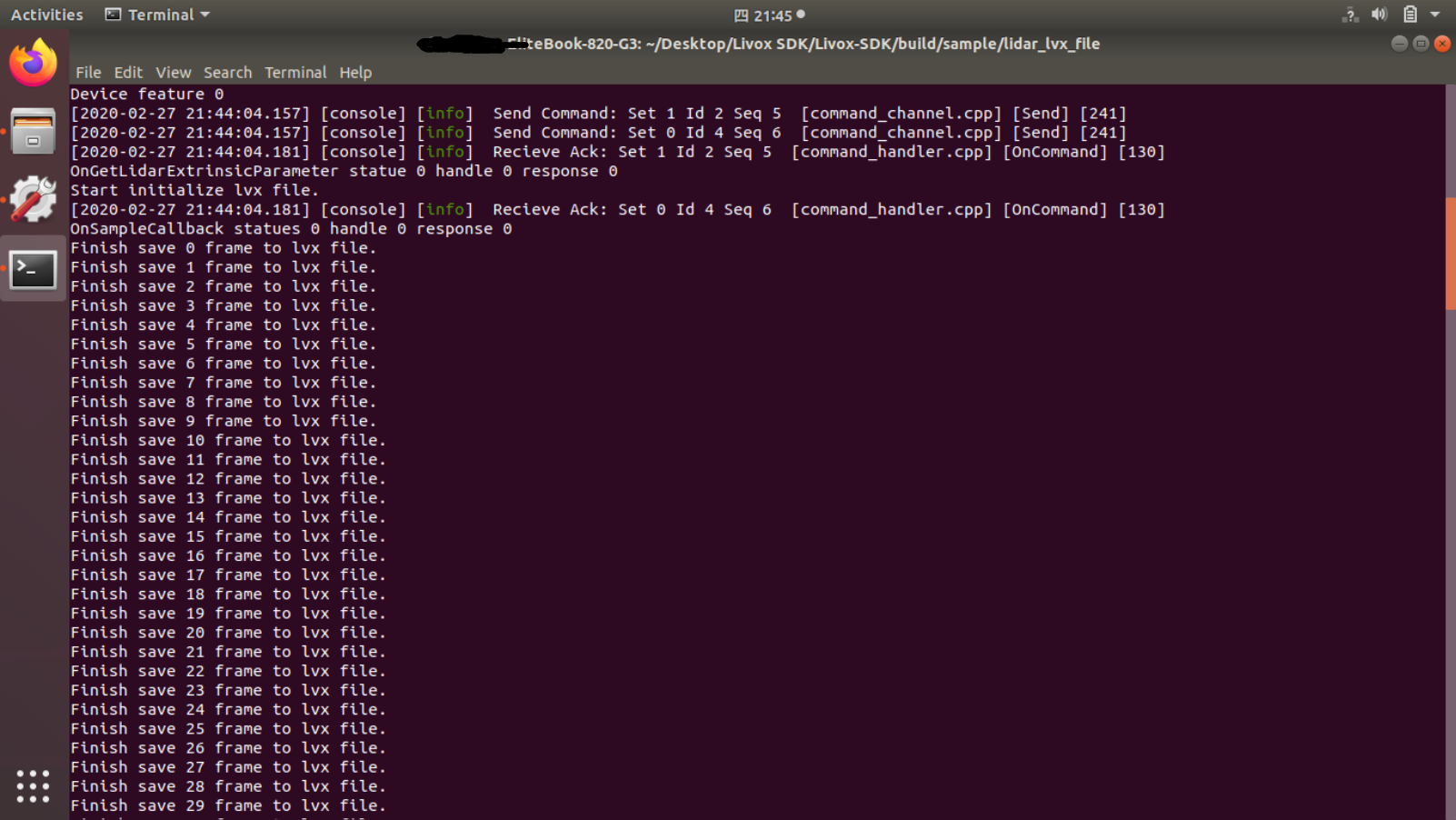
1.2.2 Connect Lidar device and save the lvx file
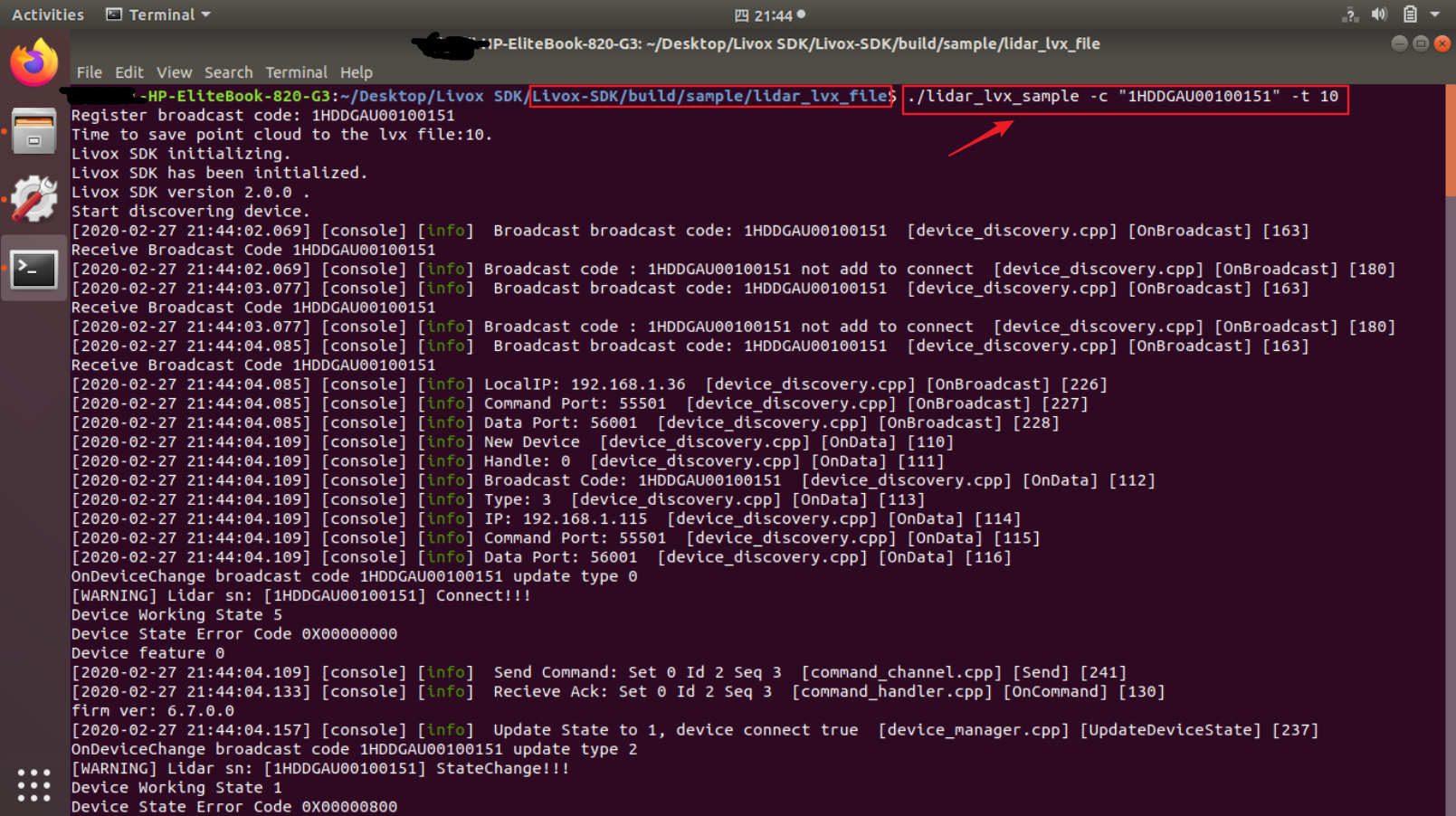
- Open the terminal window under this file path: ../Livox_SDK/build/sample/lidar_lvx_file
- Execute the follow command: ./lidar_lvx_sample
- Connect specify device: -c “Lidar SN”
- Set the duration of recorded point cloud data: -t 10 (10 second)
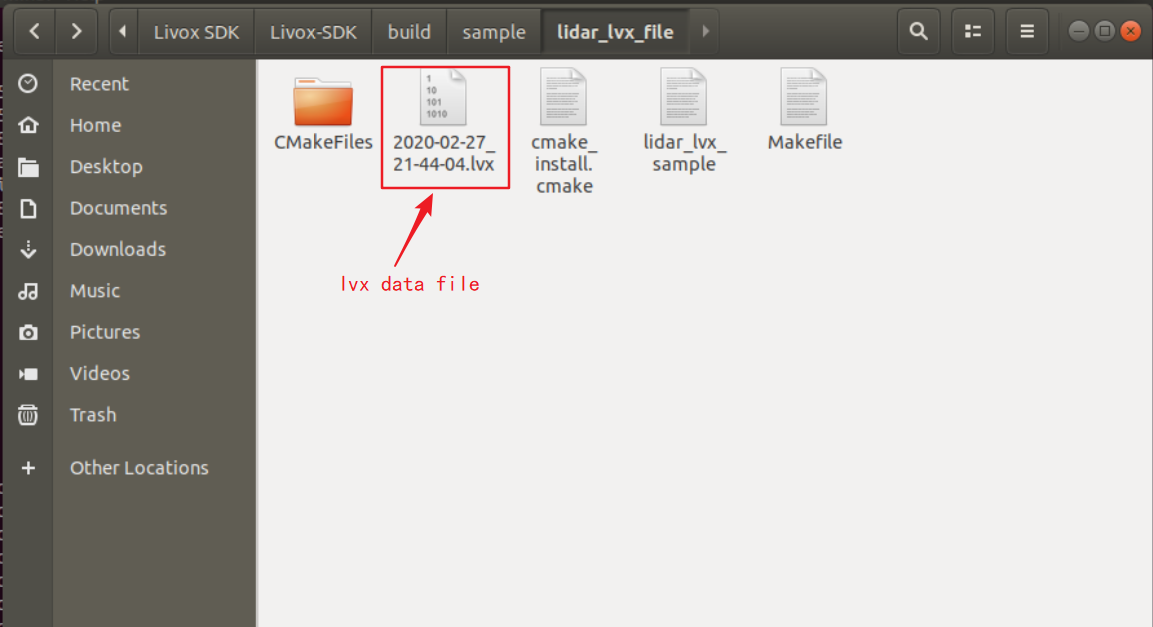
2. Convert Lvx data file(v1.0/v1.1)to rosbag file(Only supports Ubuntu System)
2.1 Git clone livox_ros_driver
git clone https://github.com/Livox-SDK/livox_ros_driver.git ws_livox/src
2.2 Set publish frequency
If you need to convert rosbag data with the frequency to 10Hz, please set the ‘publish_freq’ parameter to 10.0 in "../ws_livox/src/livox_ros_driver/launch/lvx_to_rosbag.launch file". Similarly, you can set other frequencies.
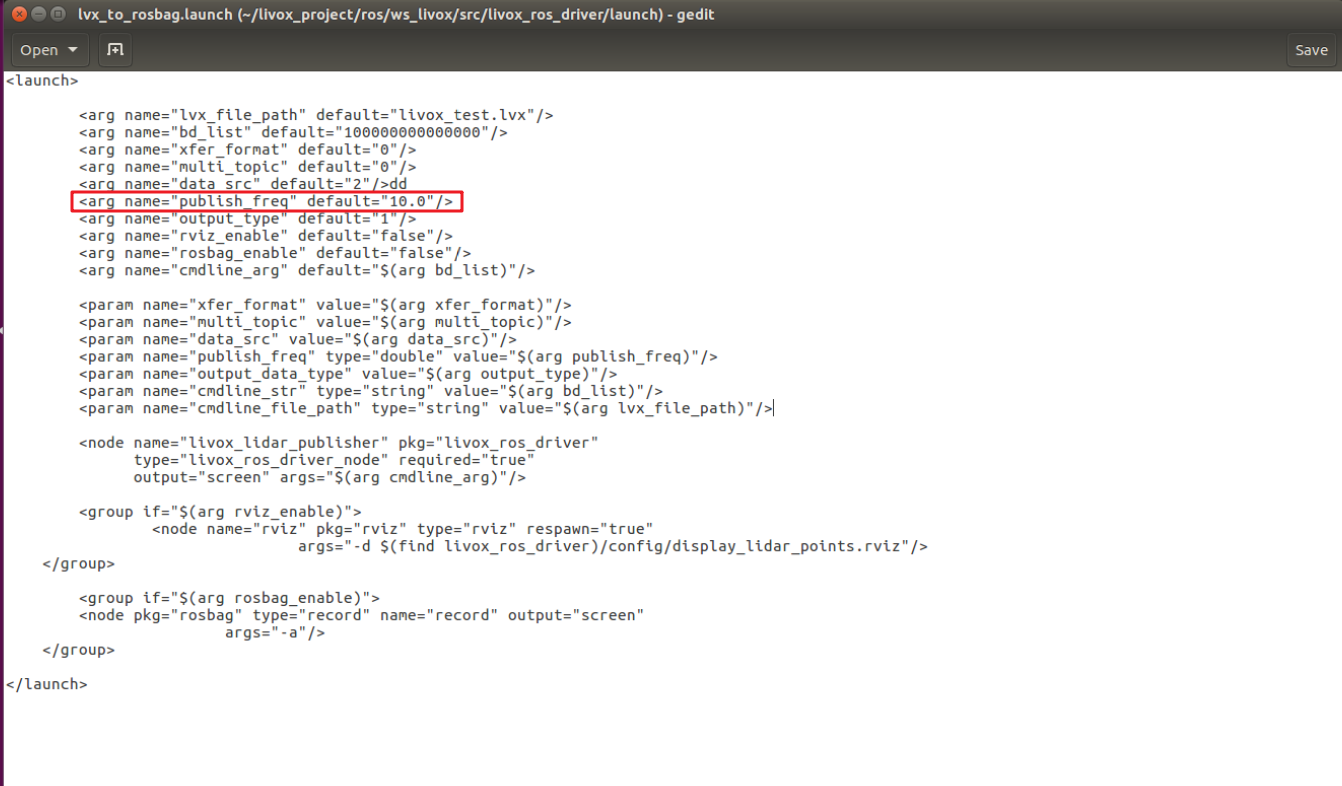
2.3 Open a terminal window under this path
../ws_livox
2.4 Convert lvx point cloud data file (v1.0/v1.1) to rosbag file
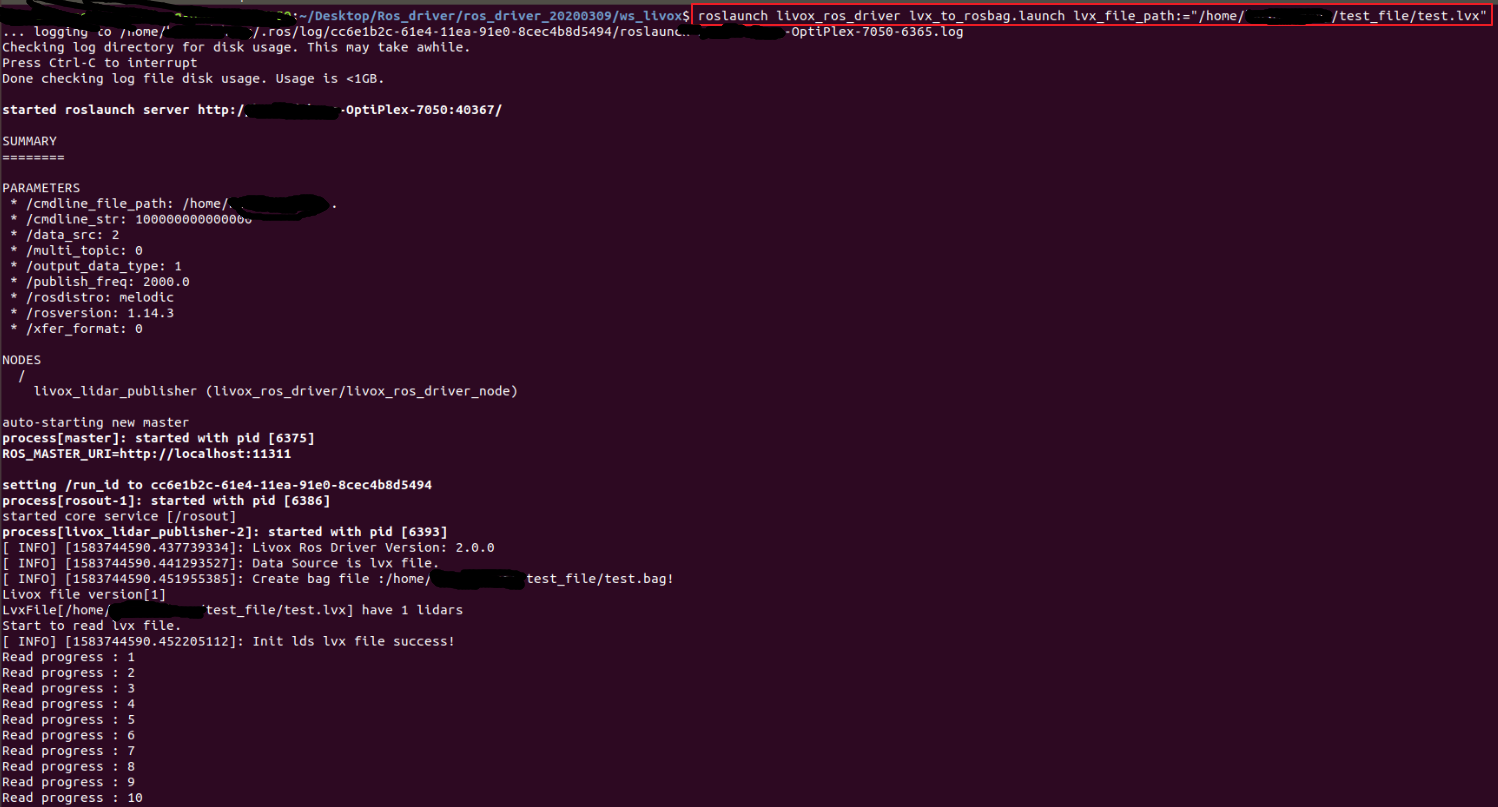
livox_ros_driver supports the conversion of lvx pointcloud data files to rosbag files. Use the command as follows :
roslaunch livox_ros_driver lvx_to_rosbag.launch lvx_file_path:="/home/livox/test.lvx"
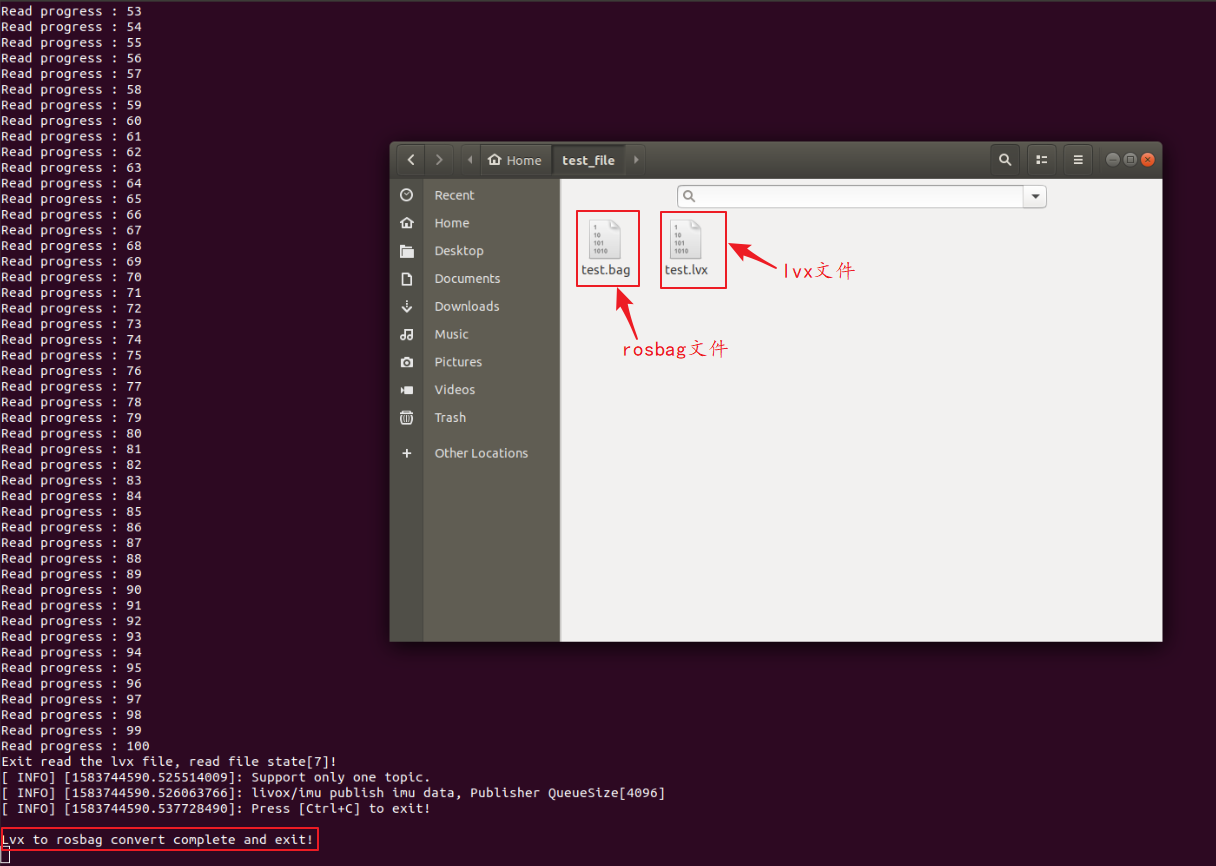
After replacing "/home/livox/test.lvx" in the above command with the local lvx data file path, you can simply run it; if the conversion is successful, a rosbag format file with the same name will be generated under the above path.
2.5 Playing the Rosbag data