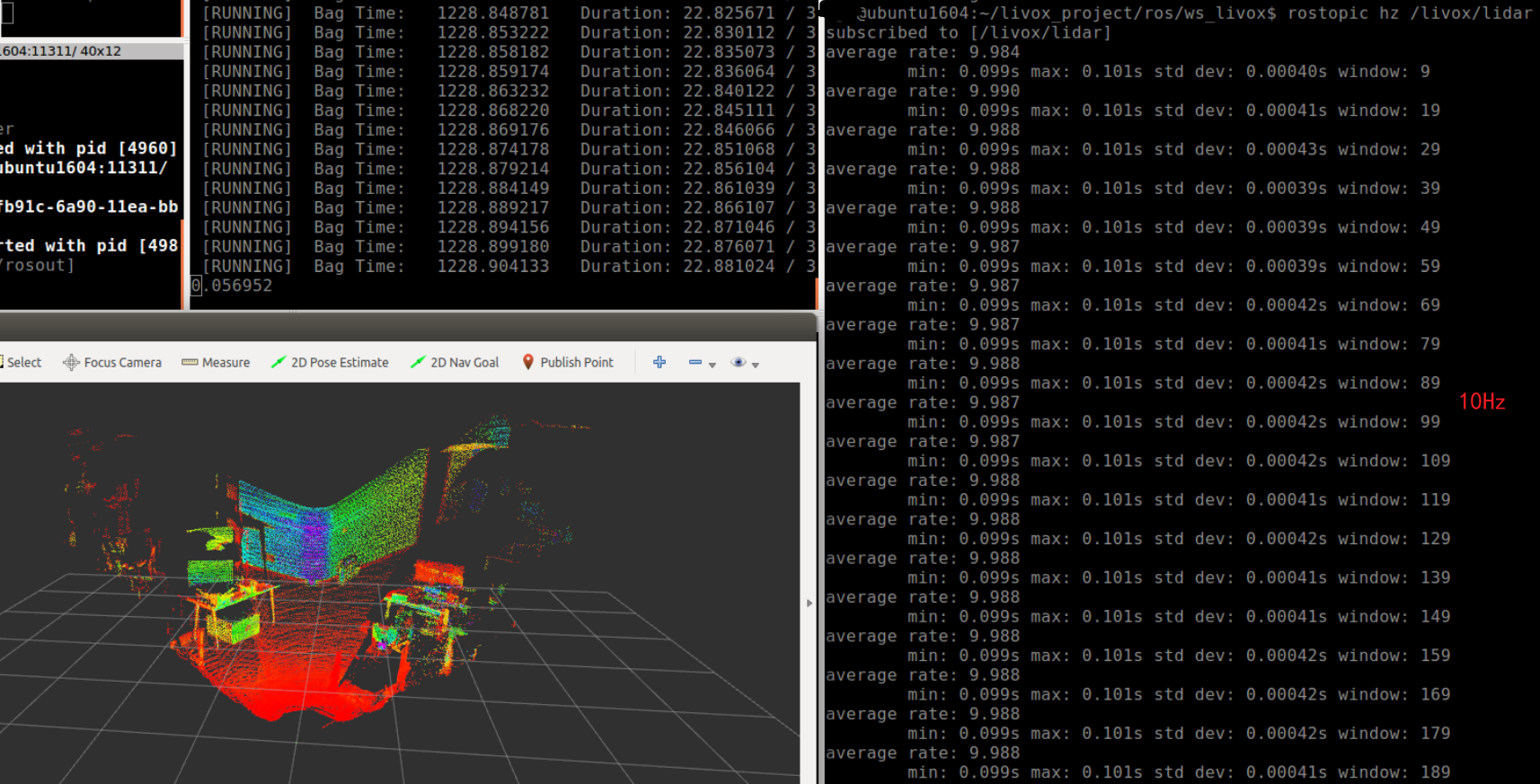
Set publish frequency(在ROS驱动程序中设置发布频率)
1. Git clone livox_ros_driver
git clone https://github.com/Livox-SDK/livox_ros_driver.git ws_livox/src
2. Set publish frequency
Take the conversion of lvx files to rosbag files as an example :
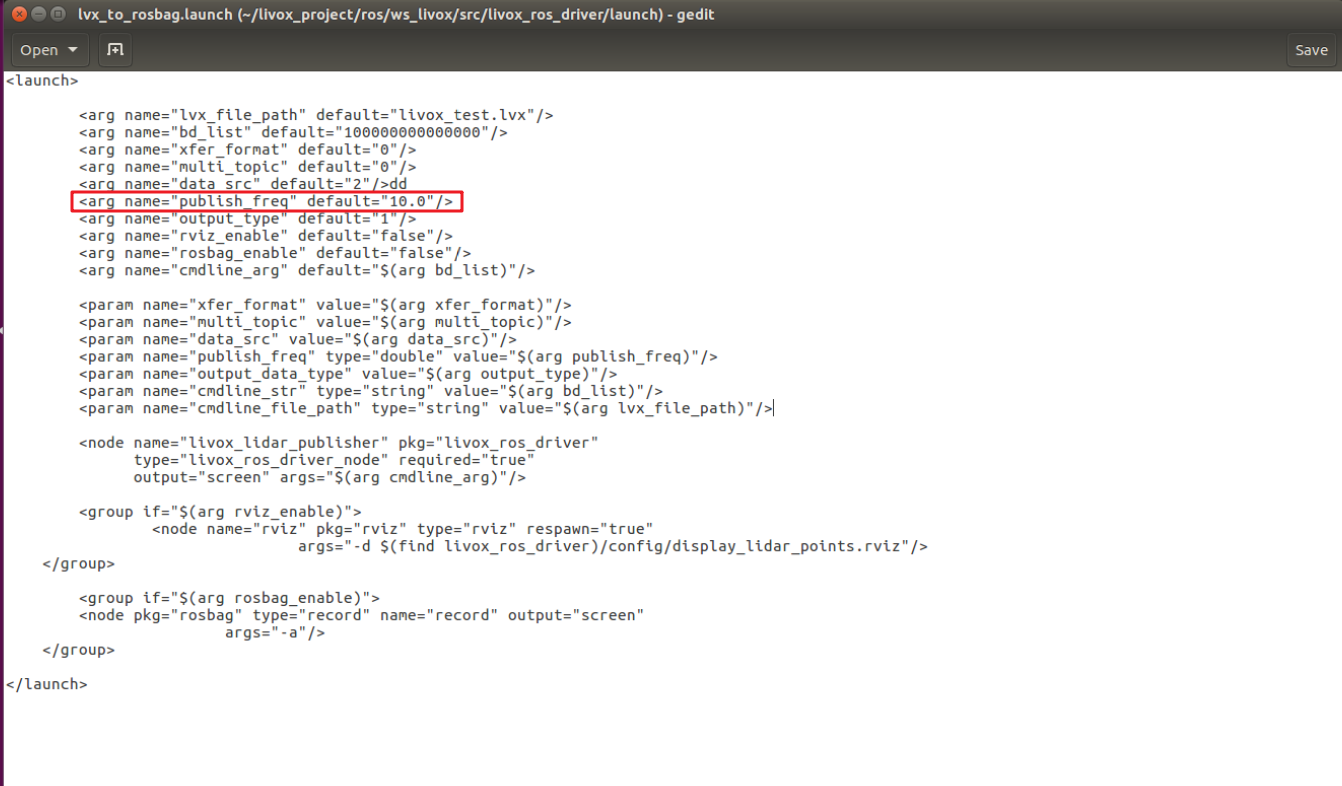
If you need to convert rosbag data with the frequency to 10Hz, please set the ‘publish_freq’ parameter to 10.0 in "../ws_livox/src/livox_ros_driver/launch/lvx_to_rosbag.launch file". Similarly, you can set other frequencies.
3. Open a terminal window under this path
../ws_livox
4. Convert lvx point cloud data file (v1.0/v1.1) to rosbag file
livox_ros_driver supports the conversion of lvx pointcloud data files to rosbag files. Use the command as follows :
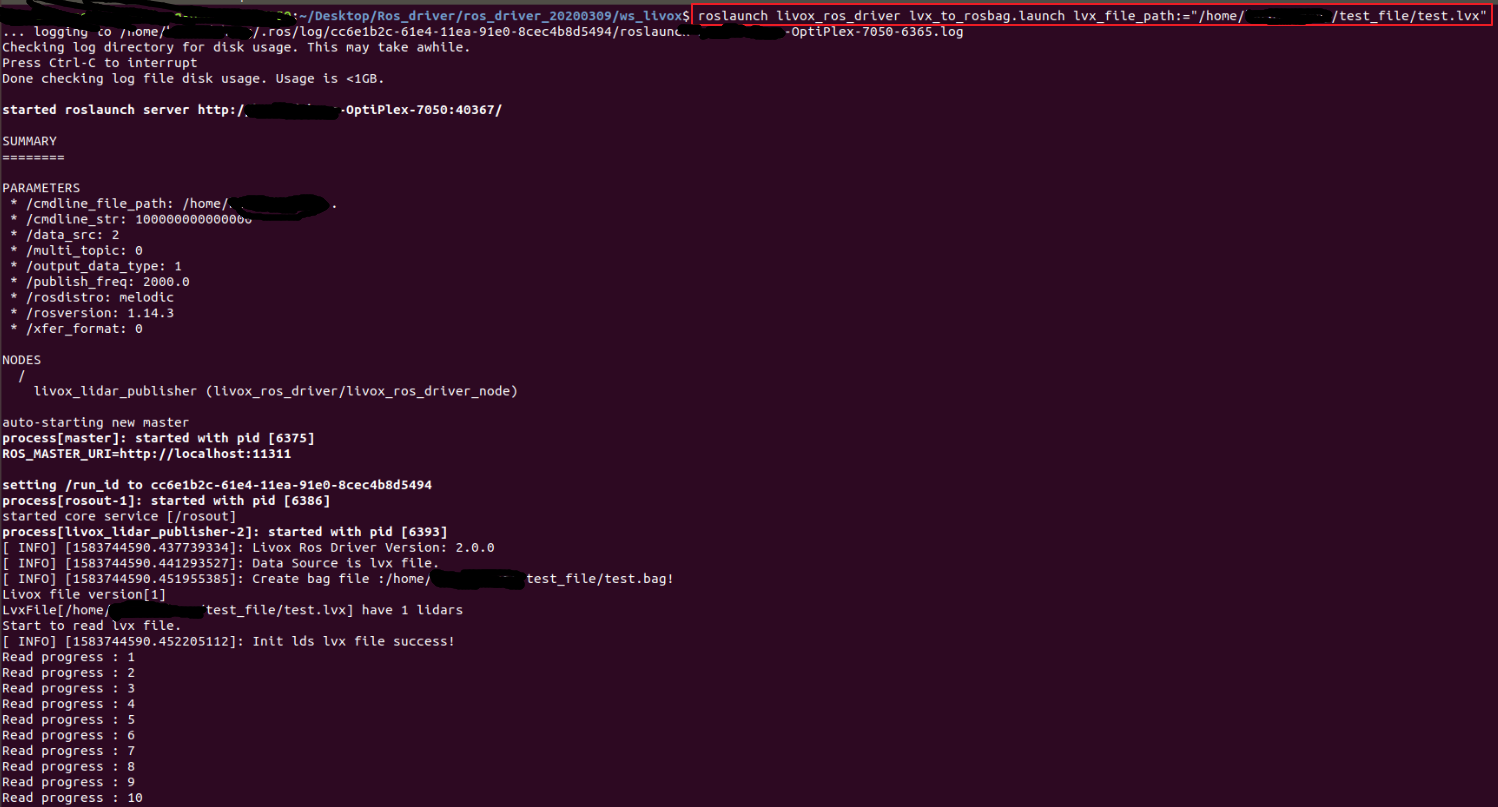
roslaunch livox_ros_driver lvx_to_rosbag.launch lvx_file_path:="/home/livox/test.lvx"
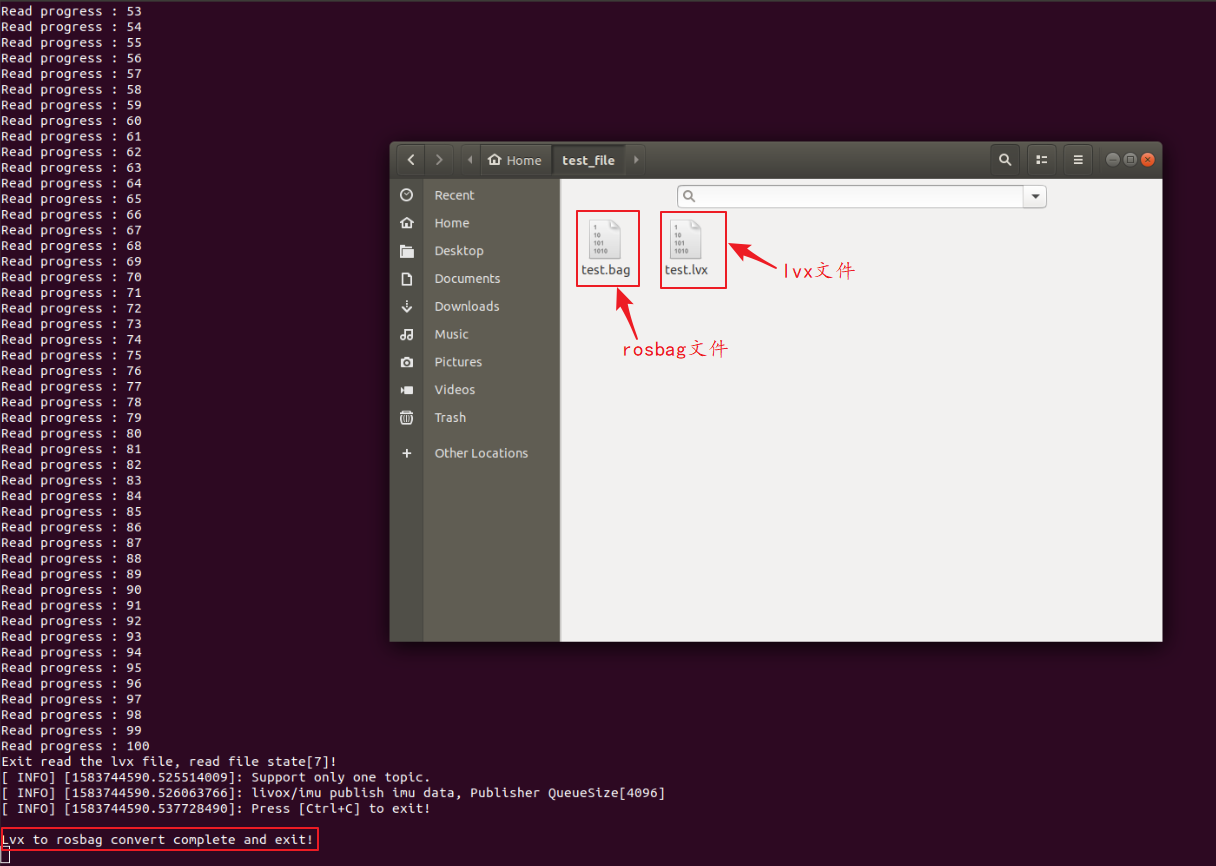
After replacing "/home/livox/test.lvx" in the above command with the local lvx data file path, you can simply run it; if the conversion is successful, a rosbag format file with the same name will be generated under the above path.
5. Playing the Rosbag data